
Creating GIFs
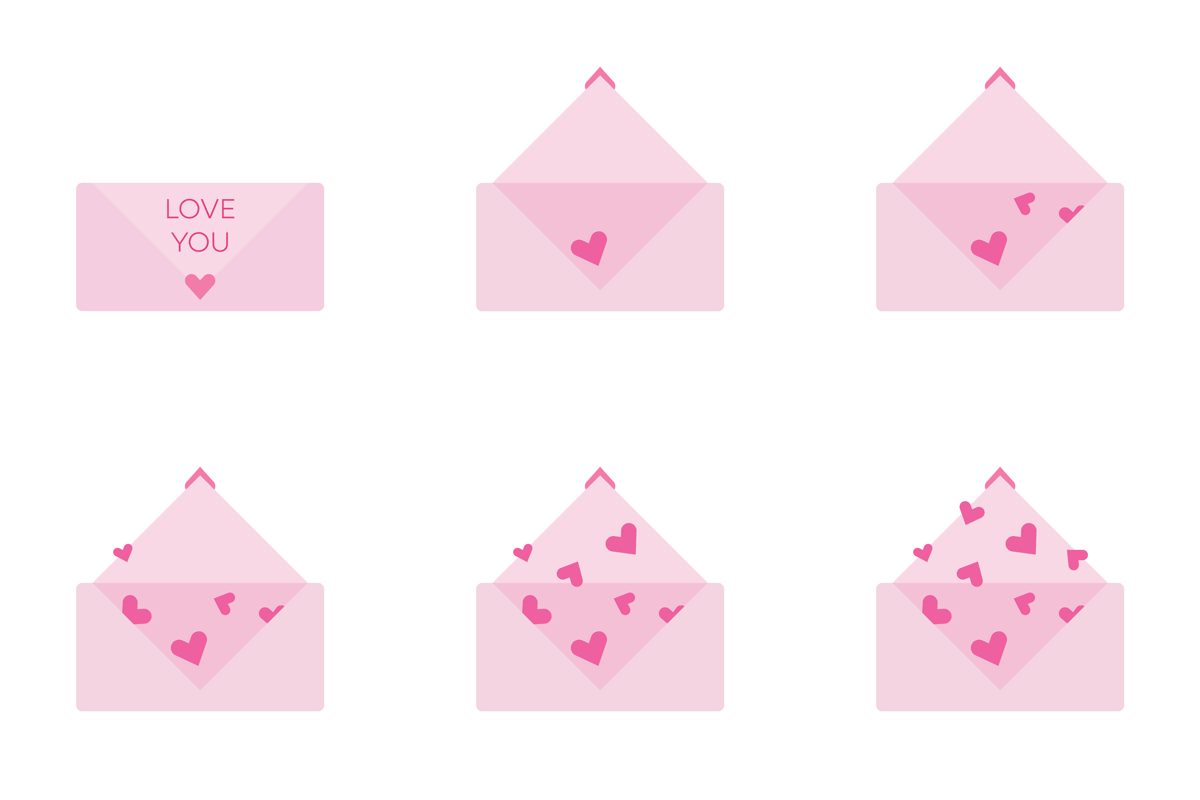
This project explores how motion can transform simple illustrations into expressive, engaging GIFs. Through experimenting with jumpy cut-out animation, hand-drawn frame-by-frame techniques, and Photoshop frame timelines, I created three short animations that convey comfort, growth, and playfulness.
Reading
In Animated Storytelling (Introduction + Chapter One) by Liz Blazer, I learned that planning is just as important as creativity in animation. The “Pre-Production” chapter explains three major stages: concept development, previsualization, and asset building.
Concept development begins with defining what the piece is about and who it’s for, often through a creative brief — something I hadn’t done for animation before. Previsualization explores visual direction through sketches, references, and testing motion ideas before animating. Asset building emphasizes organizing and preparing all design elements for smoother workflows.
What stood out most to me was how the book framed creativity as what I would call “organized fun,” encouraging open ideation while still working clearly and intentionally. This mindset influenced how I approached my GIFs, allowing me to experiment freely while staying thoughtful about motion, design, and storytelling.
Inspiration
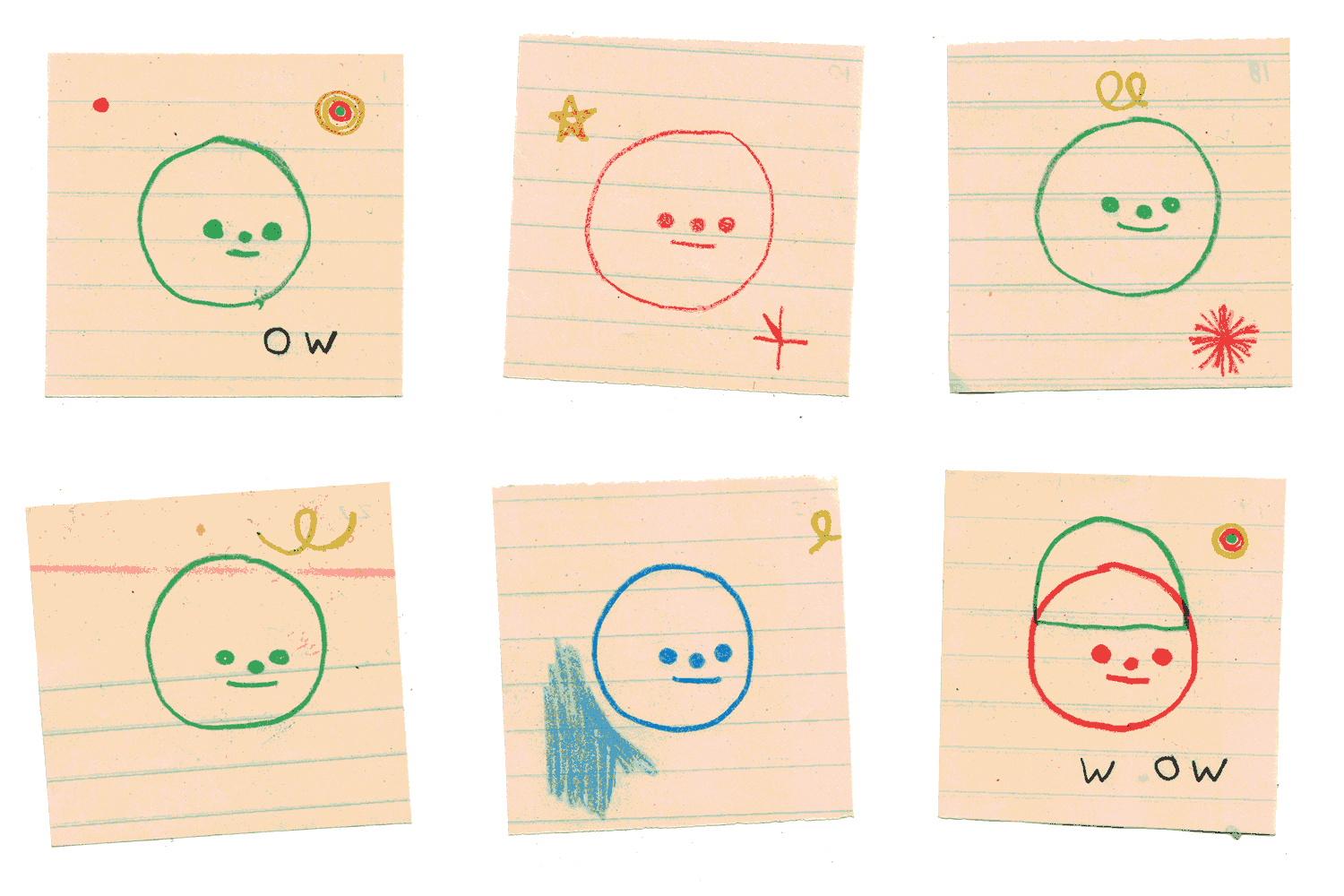
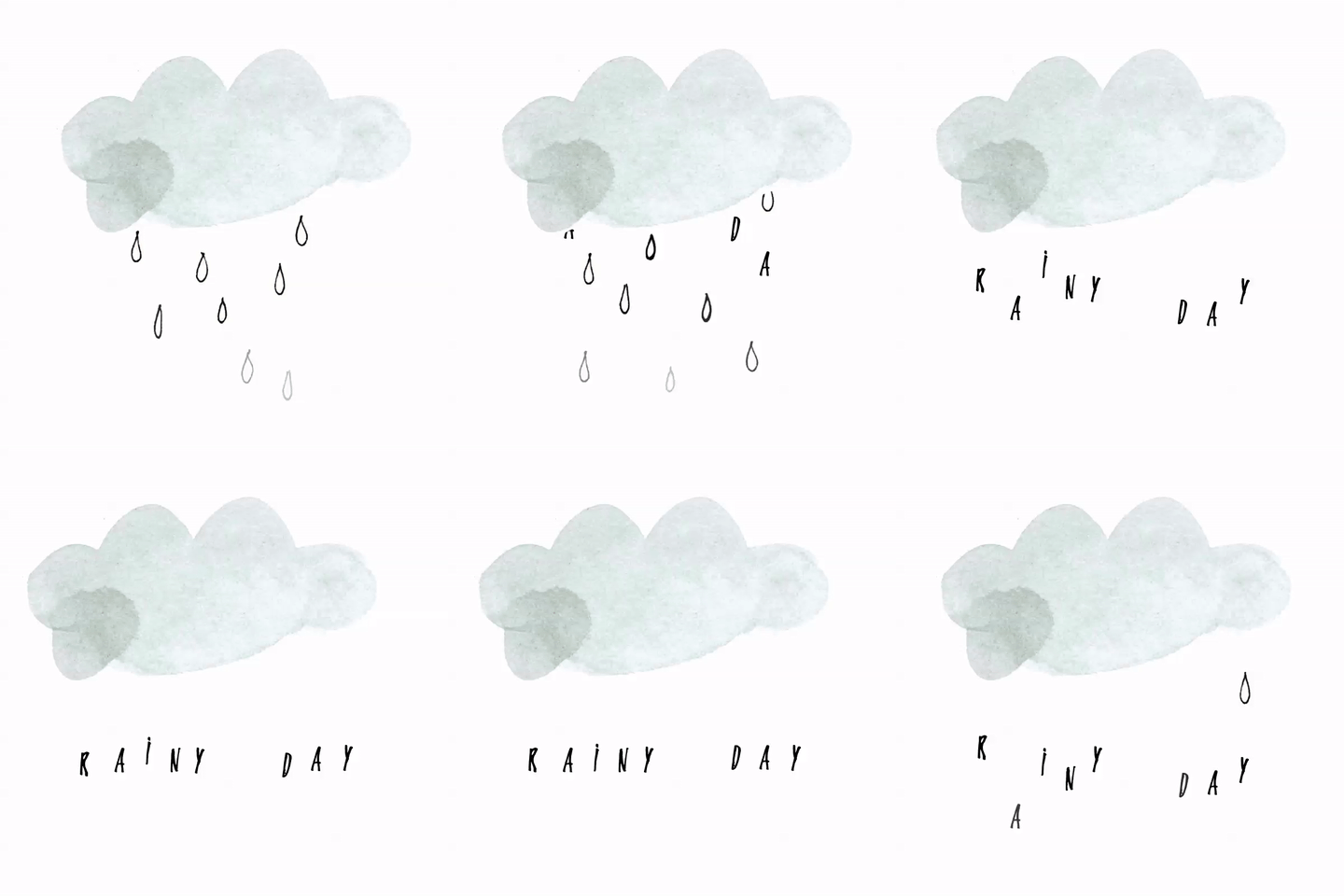
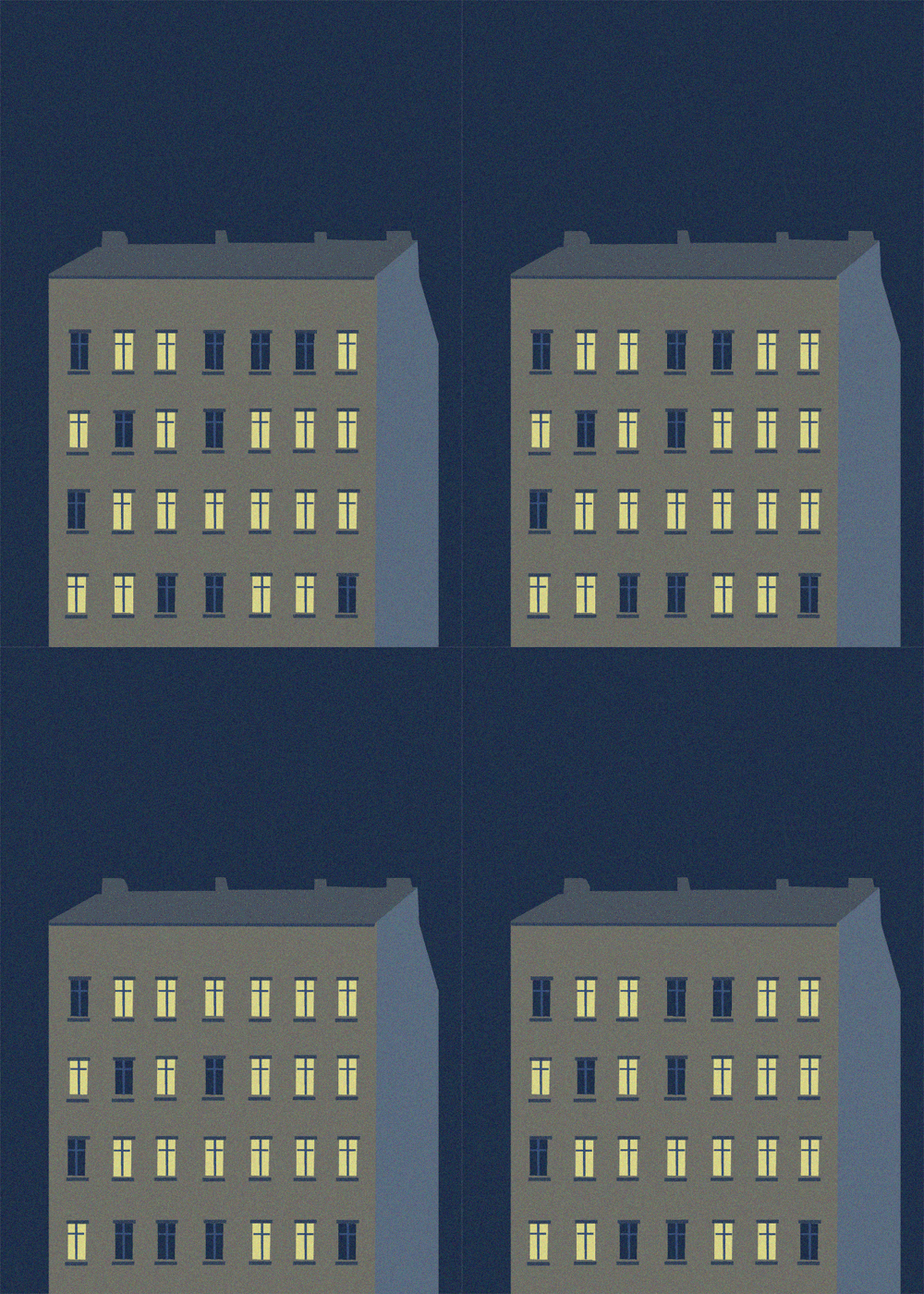
I started broadly with my GIF research, exploring various techniques, styles, and movements. I referenced animated content on platforms like Pinterest and Giphy, especially GIFs with jumpy motion, hand-drawn textures, and playful timing. The examples shown depict the styles I was most drawn to, including spinning typography, expressive characters, and simple looping motion.
The bubble GIF demonstrates hand-drawn onion-skin animation, which I used in my Blooming Flowers piece. The envelope animation influenced my Love Letter GIF, especially the jumpy movement and layered structure. The flickering building lights reminded me of the cut-out style we learned, with elements appearing and disappearing smoothly.


GIF 1: Love Letter
This “love letter” uses a jumpy, cut-out animation technique to simulate movement. I illustrated the envelope and hearts in Illustrator, then imported them into Photoshop as smart objects. Each element was separated into layers (text, closed envelope, open envelope, and individual hearts), allowing me to animate them independently. The jumpy movements and appearing hearts add charm and fun to the simple GIF.
GIF 2: Blooming Flowers

Blooming Flowers employs a hand-drawn, onion-skin technique with 30 frames at 30 fps, later slowed for smoother pacing. Using a Wacom tablet, I drew each frame individually, focusing on fluid growth and subtle movement. This approach creates a more personal, imperfect animation style that mirrors natural blooming.
GIF 3: Pop-Up Flower

I created this pop-up GIF using Photoshop’s frame animation timeline. I built the flower shapes on separate layers, converted them into timeline frames, and manually shifted the petal movement. By duplicating and reversing frames, I created a looping bounce that feels playful and rhythmic. This GIF was a skill refresher, since I used the frame timeline instead of video and had to manage challenges independently.

Hi, I’m Allison!
I am a graphic and interactive designer, ready to craft strategy-driven and engaging designs for you now!