
Featured



Static vs. Motion Design: When Should You Use Each?
Visual content is more powerful than ever and has become a key tool for communication and engagement. This raises an important question for designers and marketers: Should you use static or motion design? Each format offers unique strengths, and understanding both can help elevate any visual content strategy.
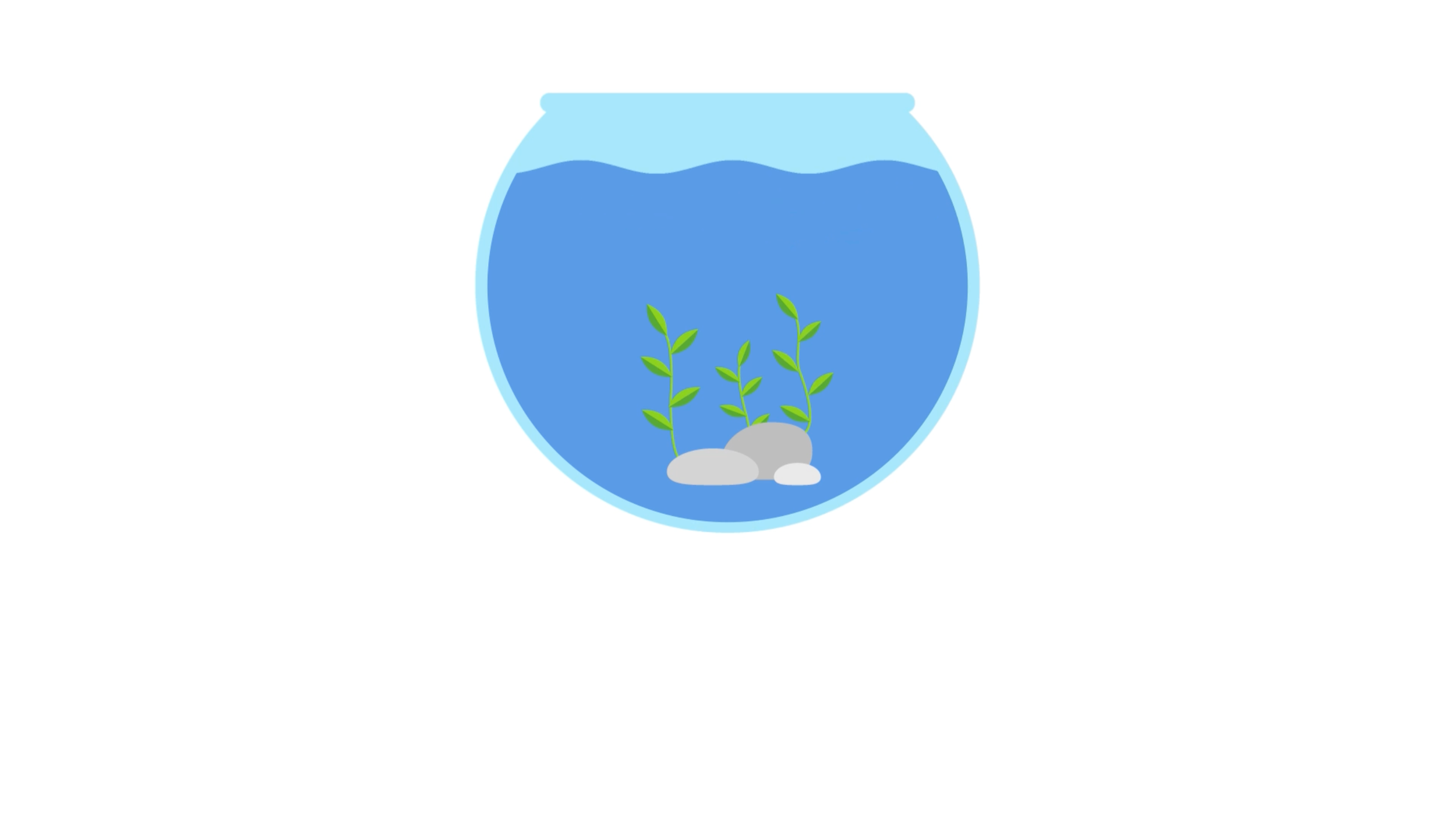
Aquarium Logo Stinger
For the final animation project, the goal was to create a short animated sequence that applies the motion design techniques learned throughout the course. By researching animation examples and applying ideas from the reading, I developed a short logo sting that focuses on simple storytelling through motion, sound, and timing.
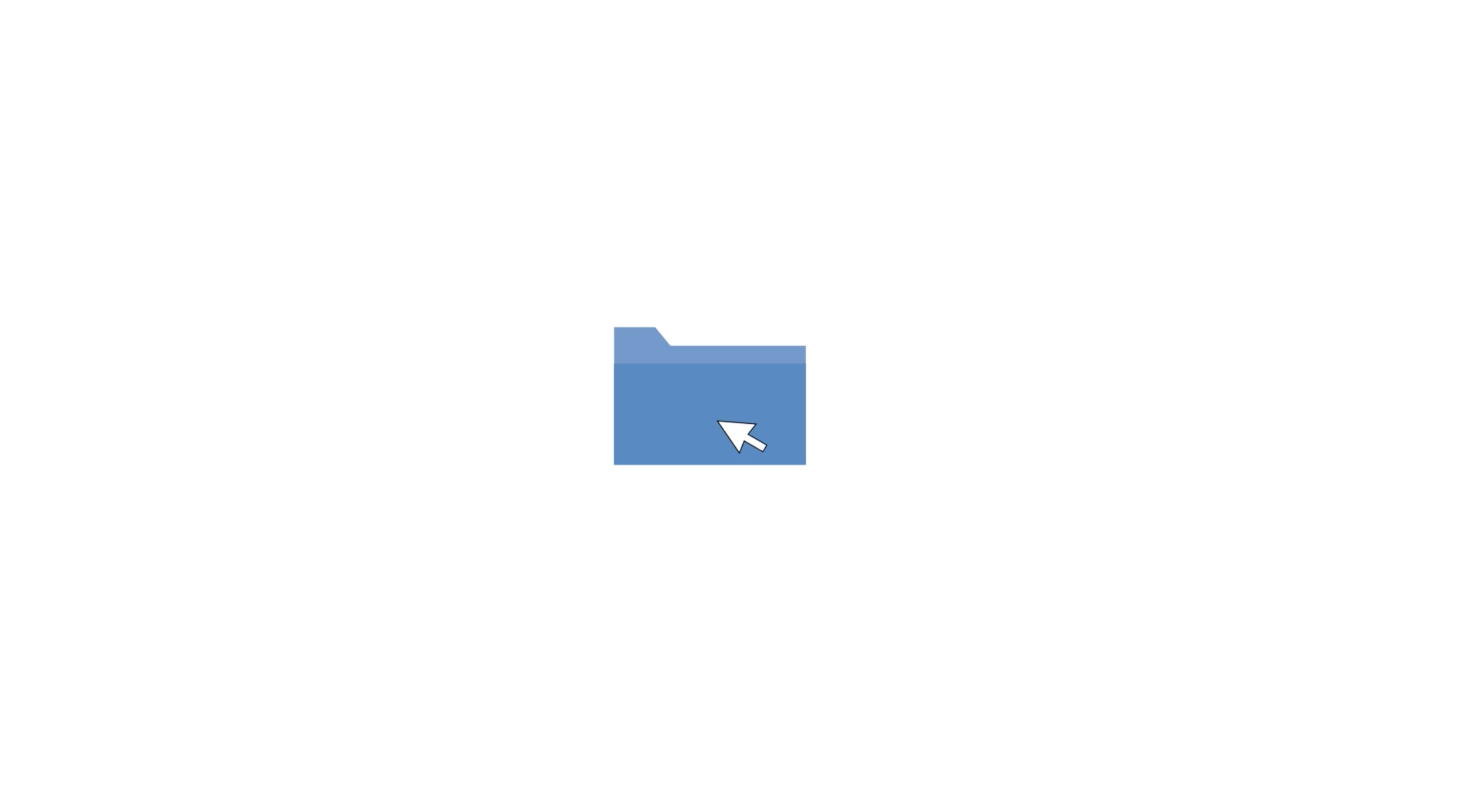
UI/UX Animation
Animation can enhance user interface design by making digital interactions feel more responsive and engaging. UI animation is often subtle, but it plays an important role in helping users understand what is happening on screen. Through this week’s reading and research, I learned how motion can guide attention, clarify steps, and improve the overall user experience.

Logo Stinger
In this module, I learned about and animated a logo stinger, focusing on how motion, timing, and sound can reinforce a brand’s identity. A logo animation is often short, but every movement must feel intentional and visually clear. Through this week’s reading, I also explored how animation principles can add personality and energy to simple graphic elements. It pushed me to think about how motion design can communicate style and mood in just a few seconds.
Stop Motion
This module pushed me to think more intentionally about how sound, timing, and world-building work together in stop motion. My project explored the idea of creative “spills” — the concept that breakthroughs can arrive in unexpected moments. Through post-production, I also became more aware of how sound design can guide emotion, grounding the viewer in reality before signaling that something inventive is unfolding.
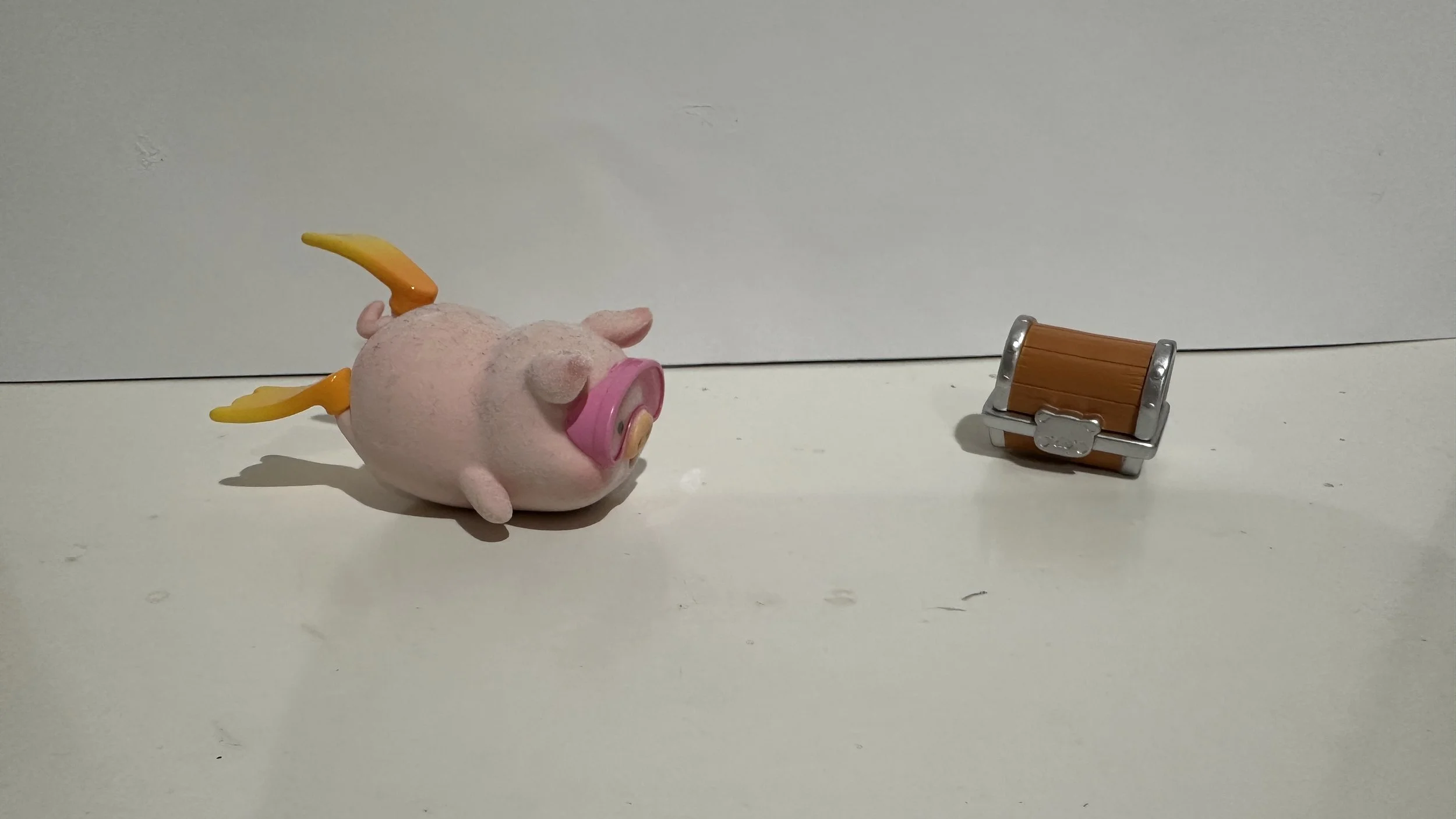
Intro to Stop Motion
For this module, we shift from digital motion graphics to physical stop motion animation. This project focuses on storytelling through different materials, frame-by-frame movement, and intentional choices. Unlike working in After Effects, stop motion requires careful planning of objects, lighting, color, and pacing before capturing a single frame.

Personal Animated Intro
This project explores how motion graphics, typography, and imagery can work together to create a personal animated introduction. Using After Effects, I designed a 40-second intro video that communicates who I am, my background, and my interests. My goal was to create something simple, engaging, and reflective of my personality while improving my technical skills with motion tools and timing.

Creating GIFs
This project explores how motion can transform simple illustrations into expressive, engaging GIFs. Through experimenting with jumpy cut-out animation, hand-drawn frame-by-frame techniques, and Photoshop frame timelines, I created three short animations that convey comfort, growth, and playfulness.